How to Activate a TRON Address (and Why USDT Alone Won’t Do It)
A new TRON address must receive TRX to be activated — USDT alone won’t do it. What activation costs, how to check if an address is activated, step by step, and how much TRX to keep on it.
Updated 3 min readTronOrb team
On this page
A brand-new TRON address exists only as a key pair until the network records it on-chain. Until then it is not activated: explorers show no account, wallets may warn you, and you can't send anything from it. Activation is simple — but there's one trap that catches almost everyone who starts with USDT.
How an address gets activated
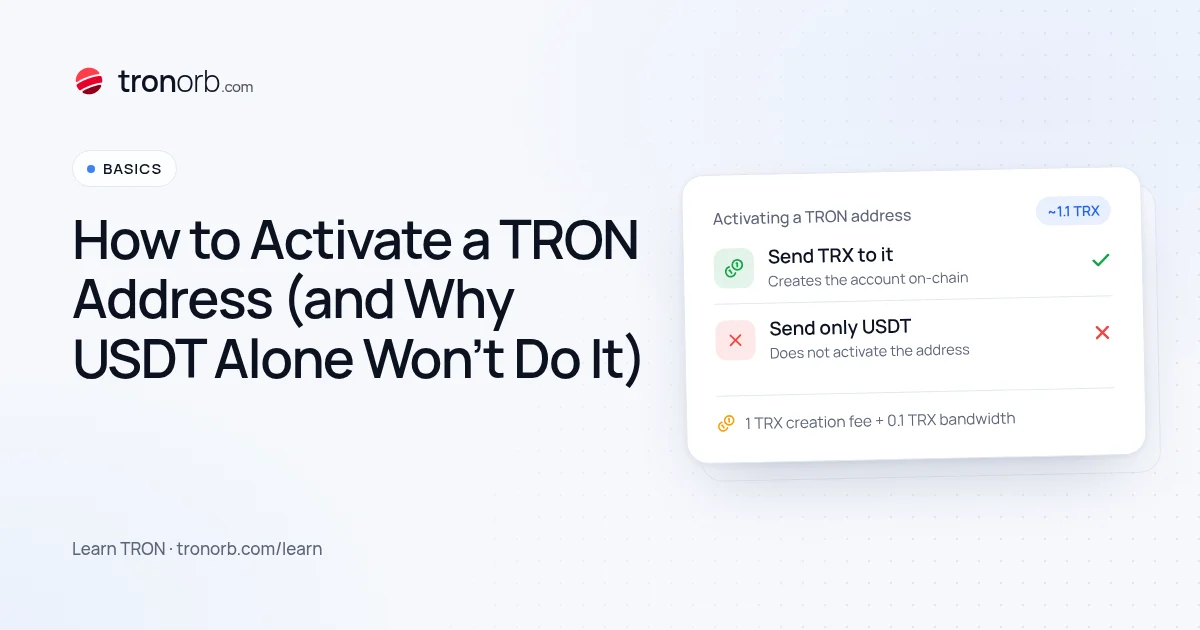
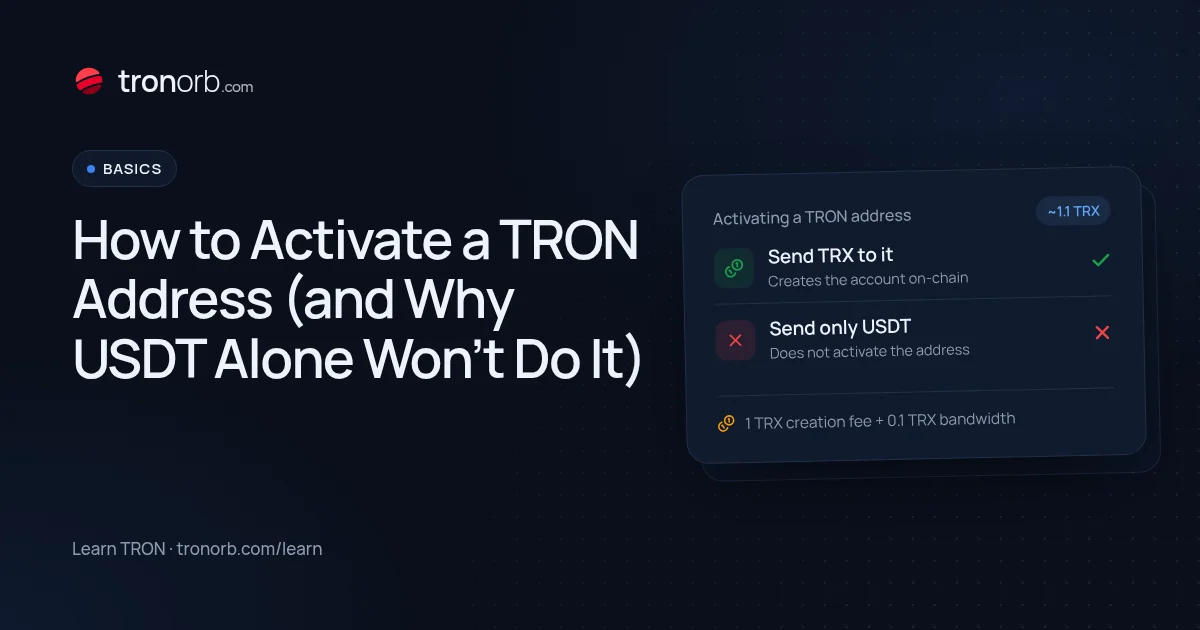
An address is activated the first time someone sends TRX to it (a TRX or TRC-10 transfer creates the account on-chain). The sender pays the one-off creation cost; the new address pays nothing.
At current chain parameters the sender's extra cost is about 1.1 TRX: a 1 TRX account-creation fee plus 0.1 TRX for the bandwidth of the creating transfer (free if the sender has enough bandwidth). The live figure is on USDT fee today.
The trap: USDT alone doesn't activate an address
Receiving USDT (TRC-20) does not create the account. USDT balances live inside the USDT smart contract, so an address can hold USDT and still be "not activated". You'll notice when you try to send that USDT: the wallet can't pay for the transaction because the address has no TRX and no on-chain account.
Fix: send a small amount of TRX to the address — a few TRX is enough to activate it and cover a first USDT transfer from it. See the fee calculator for today's cost.
How to check if an address is activated
- Our address check: paste the address — it shows whether the account exists on-chain, when it was created, and its balances.
- TRONSCAN: an unactivated address shows no account details (or only token balances with no TRX history).
- Your wallet: some wallets show "inactive" or warn when you try to send.
Step by step
- Copy your new TRON address (starts with T, 34 characters).
- From an exchange or another wallet, send it some TRX — not just USDT.
- Wait for confirmation (about 3 seconds per block on TRON).
- Check it in our address check. You should see the account as activated, with its creation date.
Activating from an exchange
Withdraw TRX to the new address. The exchange's withdrawal fee covers everything; the address is activated as soon as the withdrawal lands.
Activating from another wallet
Send TRX from a wallet you already use. Your wallet pays the ~1 TRX creation fee on top of the amount you send — make sure you have it.
How much TRX should I keep on a new address?
Enough for the transfers you plan to make:
| Plan | TRX to keep (approx.) |
|---|---|
| Only receive USDT | none needed after activation |
| Send USDT once in a while | ~15 TRX covers a transfer even to a new address |
| Send USDT often | rent or stake energy instead of burning |
A USDT transfer burns several TRX if you have no energy, and about twice that when the recipient has never held USDT. If you'll send often, renting energy or staking TRX is far cheaper than burning.
Can I activate an address without TRX?
Only if someone else sends TRX (or a TRC-10 token) to it. Some wallets and exchanges do this for you — for example when you withdraw TRX to a new address. Wallets with GasFree let you send USDT without holding TRX, paying the fee in USDT instead — see GasFree on TRON.
Common questions
Is activation permanent? Yes. Once created, the account stays on-chain.
Does it cost anything later? No recurring fee. You only pay for transactions (energy and bandwidth).
I sent USDT to an inactive address — is it lost? No. The USDT is recorded in the contract under that address. Activate it with TRX to move it.
Do exchanges deposit addresses need activation? No — exchanges manage their own addresses. This only matters for wallets you control.
Related
More in Learn
- How to Convert TRX to USDT (and Back)Three ways to swap TRX to USDT TRC-20 — on an exchange, with a wallet’s built-in swap or a TRON DEX, or through an instant exchange service — what each costs, how slippage and energy work, and what to check before you swap.Read
- USDT TRC-20 vs ERC-20 vs BEP-20: What’s the Difference?USDT TRC-20, ERC-20 and BEP-20 are the same dollar on different blockchains. How they differ in fees, speed, address format and liquidity, which network to choose, and how not to mix them up.Read
- How to Get TRON Energy: 4 Ways ComparedFour ways to get TRON energy for USDT transfers — burn TRX, rent energy, stake TRX or have it delegated — with costs, trade-offs and which one fits how often you send.Read
- What Is TRON Energy Rental and How Does It Work?TRON energy rental explained: how providers delegate energy to your address with Stake 2.0, what you choose when you order, how to stay safe, and when renting beats staking or burning TRX.Read