How to Get TRON Energy: 4 Ways Compared
Four ways to get TRON energy for USDT transfers — burn TRX, rent energy, stake TRX or have it delegated — with costs, trade-offs and which one fits how often you send.
Updated 3 min readTronOrb team
On this page
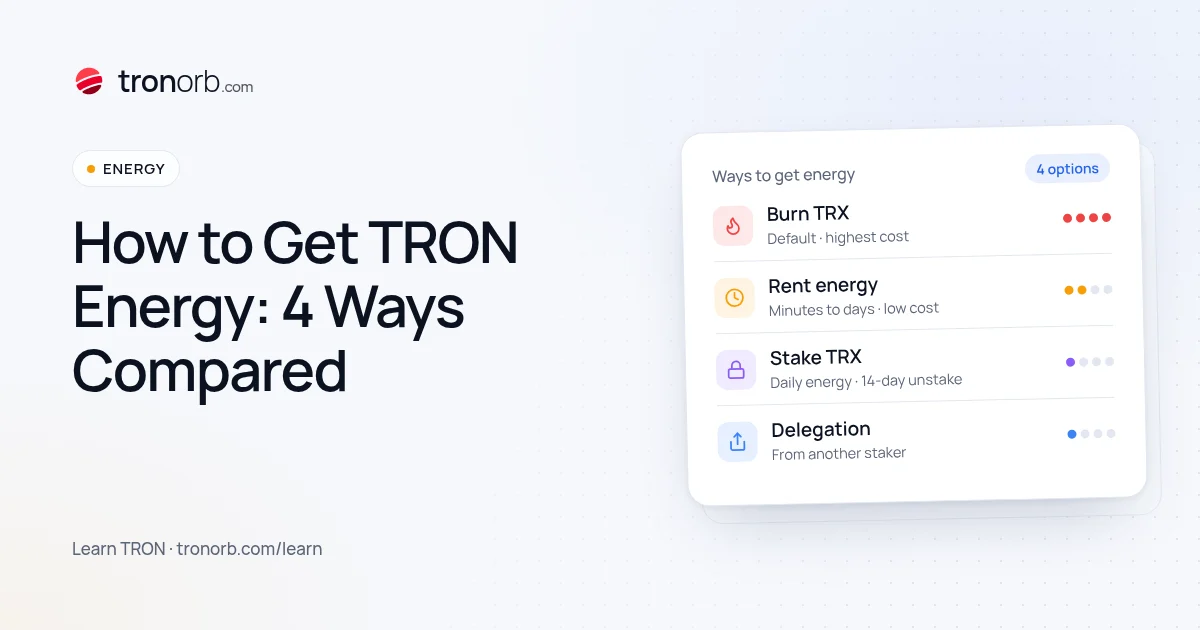
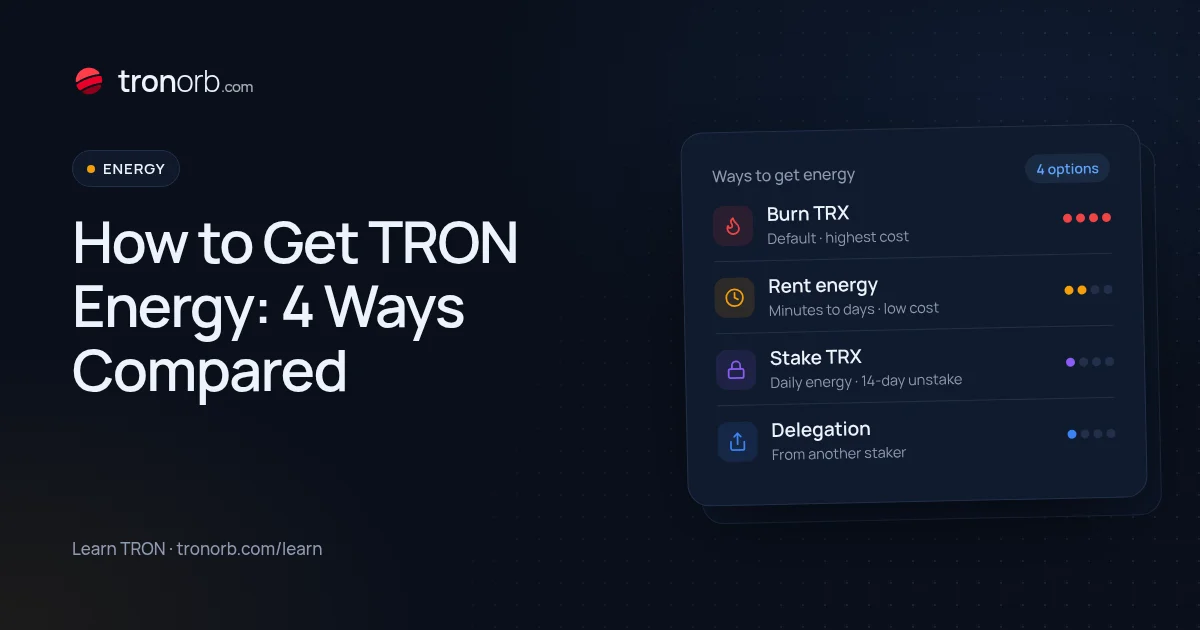
Energy is what TRON charges smart-contract calls in — above all USDT transfers. One USDT transfer needs roughly 65,000 energy, or about 130,000 when the recipient has never held USDT. There are four ways to get it, from zero effort to zero ongoing cost. This guide compares them side by side.
1. Burn TRX (the default)
If your account has no energy, the network burns TRX for it automatically at the current energy price. You don't need to do anything — but it's the most expensive option: several TRX per USDT transfer, and about double when the recipient has never held USDT.
Good for: a one-off transfer when you already hold some TRX. Watch out: keep enough TRX on the account. If it runs out mid-transfer, the transaction fails with OUT_OF_ENERGY and the TRX already used is lost (details).
Live numbers: USDT fee today.
2. Rent energy
An energy rental service delegates energy to your address for a set time — from minutes to days. You pay the provider, typically far less than burning, and there's nothing to lock up or unstake afterwards.
How it usually works:
- You choose how much energy (or how many transfers) and for how long.
- You pay — often in TRX, sometimes through a Telegram bot or an API.
- The provider delegates energy to your address, usually within seconds.
- You send your USDT; the transfer uses the rented energy instead of burning TRX.
Good for: occasional or irregular transfers, businesses that don't want TRX locked up. Watch out: a rental only ever needs your address. Never share a private key or recovery phrase, and don't sign token approvals for a rental. More: what is TRON energy rental.
3. Stake TRX (Stake 2.0)
Stake TRX for energy and you receive a share of the network's daily energy pool, refilled continuously over 24 hours. Nothing is burned and your TRX stays yours. You also get TRON Power to vote for Super Representatives and earn voting rewards.
The catch: the energy per staked TRX depends on how much the whole network has staked, so covering even one USDT transfer a day takes a sizeable stake. And unstaking has a 14-day waiting period before the TRX is liquid again.
Good for: daily senders who hold TRX long-term anyway. Watch out: don't stake TRX you may need within two weeks.
How much you need: energy calculator. Step by step: how to stake TRX for energy.
4. Have someone delegate energy to you
With Stake 2.0, anyone who stakes TRX can delegate the resulting energy to another address — a friend, a company's hot wallet, or your own second account. The TRX never leaves the staker's account, and the delegation can be returned later. This is exactly how rental providers work under the hood.
Good for: teams and businesses that stake from a treasury account and send from operational wallets.
Side-by-side comparison
| Burn TRX | Rent | Stake | Delegated | |
|---|---|---|---|---|
| Upfront effort | None | A minute per order | Stake once | Arrange once |
| Ongoing cost | Highest | Low | None (capital locked) | None for you |
| TRX locked | No | No | Yes, 14-day unstake | Staker's TRX |
| Best for | Rare transfers | Irregular use | Daily use | Teams |
Which one to pick
| You send… | Best option |
|---|---|
| A few times a month | Burn, or rent for bigger batches |
| Several times a week | Rent energy |
| Every day, and you hold TRX | Stake |
| With no TRX at all | A GasFree wallet — see send USDT without TRX |
Compare the exact cost of each option for your volume in the USDT fee calculator.
Common mistakes
- Renting too little energy for a new recipient. A first transfer to an address with no USDT needs about twice the energy. If the rented amount is short, the rest is burned in TRX.
- Staking for bandwidth instead of energy. In Stake 2.0 you choose the resource when staking; USDT transfers need energy.
- Letting a rental expire before sending. Rentals are time-limited — send within the period you paid for.
Related
More in Learn
- How to Convert TRX to USDT (and Back)Three ways to swap TRX to USDT TRC-20 — on an exchange, with a wallet’s built-in swap or a TRON DEX, or through an instant exchange service — what each costs, how slippage and energy work, and what to check before you swap.Read
- USDT TRC-20 vs ERC-20 vs BEP-20: What’s the Difference?USDT TRC-20, ERC-20 and BEP-20 are the same dollar on different blockchains. How they differ in fees, speed, address format and liquidity, which network to choose, and how not to mix them up.Read
- What Is TRON Energy Rental and How Does It Work?TRON energy rental explained: how providers delegate energy to your address with Stake 2.0, what you choose when you order, how to stay safe, and when renting beats staking or burning TRX.Read
- How to Stake TRX for Energy (Stake 2.0), Step by StepStake TRX for daily energy so USDT transfers stop burning TRX: how much TRX you need, step-by-step staking in TronLink and other wallets, energy or bandwidth, voting with it, delegating, and what to know before unstaking.Read