The TRON Multisig Scam: “Free” USDT That Steals Your TRX
Someone shared a recovery phrase for a wallet full of USDT? It’s the TRON multisig scam. How account permissions make the USDT untouchable, how to spot and check it on TRONSCAN, and what to do if you sent TRX.
Updated 3 min readTronOrb team
On this page
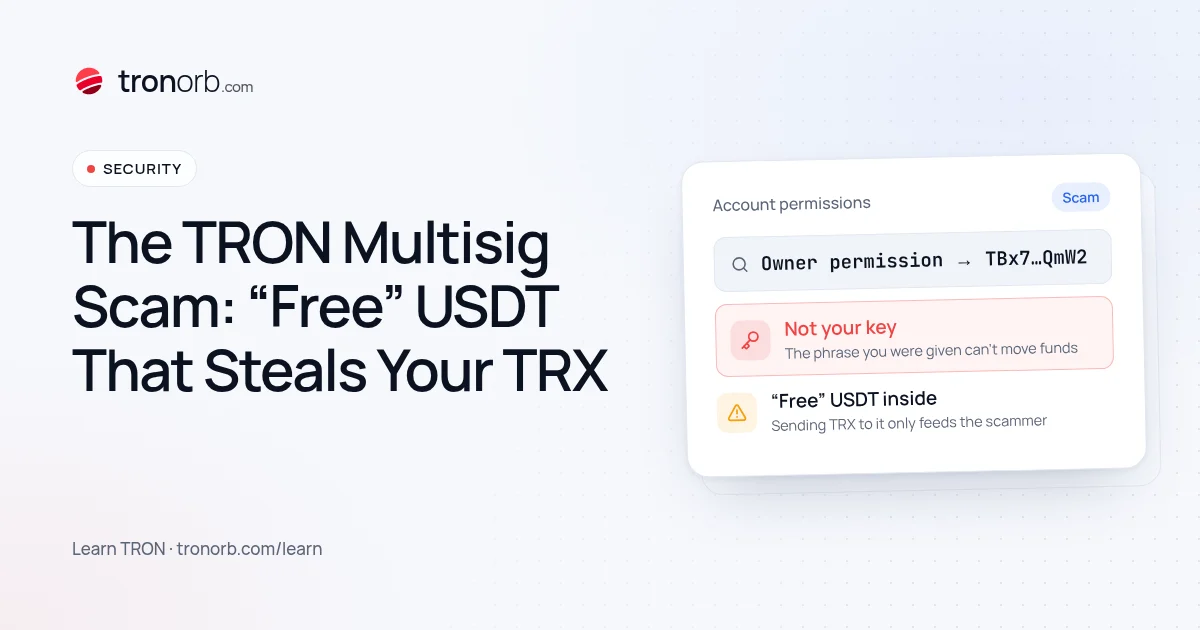
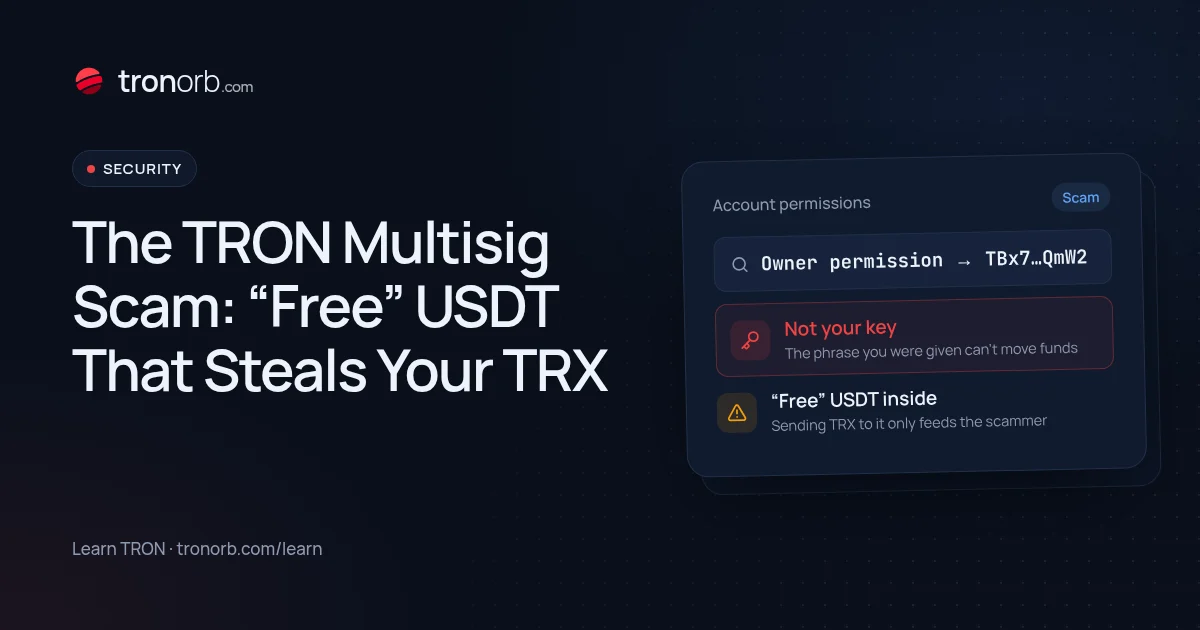
The TRON multisig scam starts with someone "accidentally" sharing a recovery phrase or private key for a wallet full of USDT. It looks like free money — or a chance to "help" someone. It's a trap built on a legitimate TRON feature, and it's designed to take your TRX. Here's exactly how it works and how to check any wallet in a minute.
How it works
- In a chat, comment, YouTube video or DM, a stranger posts a recovery phrase — "I can't figure out how to withdraw, can you help?" — or it's simply "leaked".
- You import it and see thousands of USDT.
- You try to send the USDT out, but the wallet has no TRX for fees. So you send some TRX to it.
- The transfer still fails. The account's permissions were changed with TRON's multi-signature feature: the recovery phrase you have can't authorise transfers — only the scammer's key can.
- The TRX you sent is swept out within seconds by the scammer, who does control the account.
The USDT was never available to you. Your TRX was the target.
The TRON feature behind it
TRON accounts have a built-in permission system:
- Owner permission — full control of the account, including changing permissions.
- Active permissions — which keys can send transfers and call contracts, and how many signatures are needed.
It's a real security feature: businesses use it to require 2-of-3 signatures, for example. The scammer uses it the other way round: they move the owner and active permissions to their key, then publish the original phrase. The phrase still opens the wallet in any app and shows the balance — but it can't sign anything that the network will accept.
How to recognise it
- Any recovery phrase or private key shared publicly or "by mistake".
- A wallet with a large USDT balance but no TRX.
- Offers to "split" the funds if you help withdraw them.
- Urgency: "do it fast before someone else does".
Check for yourself (without sending anything)
- Open the address on TRONSCAN.
- Find the Permissions section of the account.
- If the owner or active permission points to another address, or requires several signatures (threshold above your key's weight), you can't move anything from it.
You can also paste the address into our address check to see its balances and activity without importing anything.
If you already sent TRX
It's gone — TRON transactions can't be reversed, and the scammer swept it automatically. Don't send more "to unlock" it, don't pay anyone who offers to recover it, and delete the imported wallet from your app.
If you entered the phrase into the same app as your real wallet, nothing is wrong with your own wallet: importing someone else's phrase doesn't expose your keys. Just never send funds to that imported account.
Can it happen to your own wallet?
Only if someone gets your owner key — for example, if you share your recovery phrase or sign a malicious "permission update" transaction. Wallets show permission changes as a separate, unusual transaction type: never sign one you didn't initiate.
The rule
A recovery phrase you didn't create yourself is never your wallet. Legitimate people never share theirs, and nobody needs yours.
Quick answers
Is the USDT in that wallet real? Often yes — that's what makes the bait convincing. You just can't move it.
Can I remove the multisig? Only the current owner permission holder can — the scammer.
Is multisig itself dangerous? No. It's a security feature; the danger is using a wallet whose permissions someone else controls.
Related
More in Learn
- How to Convert TRX to USDT (and Back)Three ways to swap TRX to USDT TRC-20 — on an exchange, with a wallet’s built-in swap or a TRON DEX, or through an instant exchange service — what each costs, how slippage and energy work, and what to check before you swap.Read
- USDT TRC-20 vs ERC-20 vs BEP-20: What’s the Difference?USDT TRC-20, ERC-20 and BEP-20 are the same dollar on different blockchains. How they differ in fees, speed, address format and liquidity, which network to choose, and how not to mix them up.Read
- How to Get TRON Energy: 4 Ways ComparedFour ways to get TRON energy for USDT transfers — burn TRX, rent energy, stake TRX or have it delegated — with costs, trade-offs and which one fits how often you send.Read
- What Is TRON Energy Rental and How Does It Work?TRON energy rental explained: how providers delegate energy to your address with Stake 2.0, what you choose when you order, how to stay safe, and when renting beats staking or burning TRX.Read