TRON Stake 2.0 Explained: Staking, Delegation and Unstaking
What TRON Stake 2.0 lets you do — stake for energy or bandwidth, vote with TRON Power, delegate resources to other addresses, and unstake with a 14-day wait — and how it differs from Stake 1.0.
Updated 3 min readTronOrb team
On this page
Stake 2.0 is TRON's current staking system, introduced in 2023. It's how you get energy and bandwidth, how you get voting power, and — through delegation — how energy rental works. If you've seen "freeze" and "unfreeze" in older guides, this is the system that replaced them.
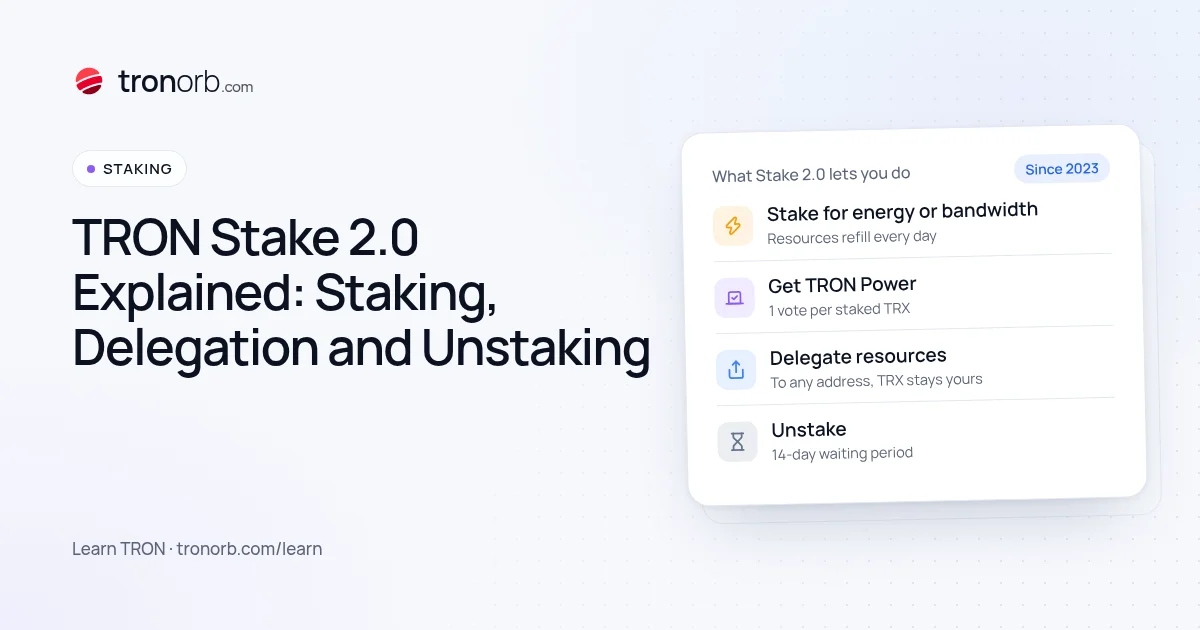
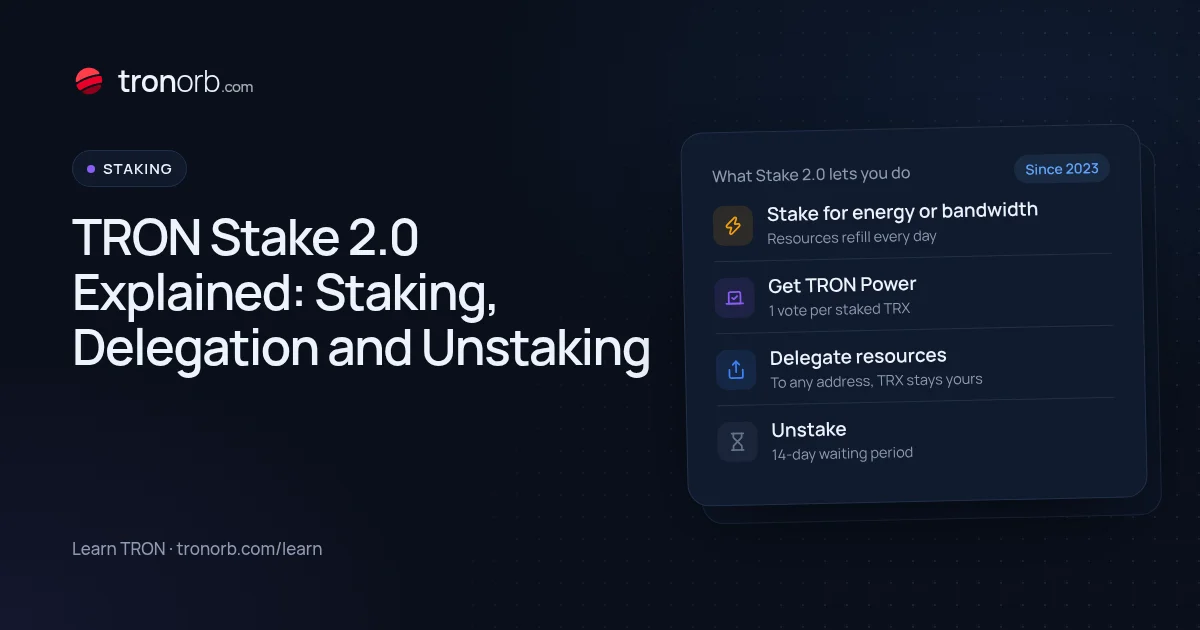
What Stake 2.0 lets you do
- Stake TRX for either energy or bandwidth.
- Get TRON Power: one vote per staked TRX, to vote for Super Representatives and earn voting rewards.
- Delegate your energy or bandwidth to any other address — without sending it your TRX.
- Unstake partially or fully, with a 14-day waiting period before withdrawing.
Stake 1.0 vs Stake 2.0
| Stake 1.0 (old) | Stake 2.0 (current) | |
|---|---|---|
| Staking | "Freeze" with a 3-day lock, tied to one resource and one recipient | Stake once, then use or delegate the resources flexibly |
| Delegation | Fixed to a recipient when freezing | Delegate and reclaim any part of your resources separately |
| Unstaking | Unfreeze after the lock period | Unstake, wait 14 days, then withdraw |
| Partial unstake | Limited | Yes |
Stakes made under Stake 1.0 can still be unfrozen; new staking uses Stake 2.0.
Staking vs delegation
When you stake, the resource lands on your own account. With delegation, you point it at another address: a second wallet, a business account, or a customer. You keep ownership of the TRX; the other address just gets the energy or bandwidth.
Energy rental services are built on this mechanism — see TRON energy rental.
Delegations can have an optional lock period, during which they can't be reclaimed. Delegated resources must be reclaimed before that part of your stake can be unstaked.
How much energy you get
Energy is shared among all stakers:
your daily energy = your stake ÷ all TRX staked for energy × the network's daily energy limit
That's why the energy per TRX moves over time: when more TRX is staked overall, each TRX gets less. Our energy calculator uses the live rate. Bandwidth from staking works the same way, on top of the 600 free daily bandwidth.
Voting and rewards
Every staked TRX gives one unit of TRON Power, whatever resource you staked for. You can vote for one or several Super Representatives; voting earns rewards from the SR's share of block and vote rewards, distributed every 6-hour cycle. Compare SRs on our Super Representatives page.
Unstaking
Unstaking starts a 14-day countdown. During it, the TRX isn't spendable and stops generating resources and votes. After it ends you withdraw the TRX back to your balance. Plan ahead if you might need the TRX soon. Details: how to unstake TRX.
Who uses Stake 2.0 for what
- Individuals stake for free daily energy and vote for rewards.
- Businesses stake from a treasury account and delegate energy to the hot wallets that send payouts.
- Rental providers stake large amounts and delegate energy to customers for a fee.
Quick answers
Is staked TRX safe? It stays in your account and isn't lent to anyone. It's locked only in the sense of the 14-day unstaking wait.
Can I change the resource later? Unstake and stake again for the other resource.
Do I need to vote? No, but voting is the only way staking earns TRX rewards.
Related
More in Learn
- How to Convert TRX to USDT (and Back)Three ways to swap TRX to USDT TRC-20 — on an exchange, with a wallet’s built-in swap or a TRON DEX, or through an instant exchange service — what each costs, how slippage and energy work, and what to check before you swap.Read
- USDT TRC-20 vs ERC-20 vs BEP-20: What’s the Difference?USDT TRC-20, ERC-20 and BEP-20 are the same dollar on different blockchains. How they differ in fees, speed, address format and liquidity, which network to choose, and how not to mix them up.Read
- How to Get TRON Energy: 4 Ways ComparedFour ways to get TRON energy for USDT transfers — burn TRX, rent energy, stake TRX or have it delegated — with costs, trade-offs and which one fits how often you send.Read
- What Is TRON Energy Rental and How Does It Work?TRON energy rental explained: how providers delegate energy to your address with Stake 2.0, what you choose when you order, how to stay safe, and when renting beats staking or burning TRX.Read